Golf video editing
ShotStudio
Edit the whole round.
ShotStudio is a local golf video editor that brings shot tracing, scoring graphics, and video editing into one workspace. Create a highlight or tell the story of an entire round, then export it as an MP4.
What you can do
- Trace each shot
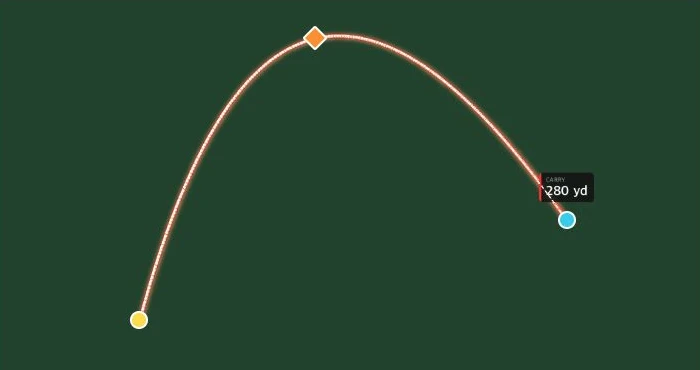
- Mark the ball and landing point, run guided tracking, then refine the start, apex, or landing frames. Draw a putting line for shots on the green.
- Keep score alongside the footage
- Add player-specific shot graphics and capture a scorecard at a chosen hole. Give tracing and score graphics their own timing on the timeline.
- Build the final cut
- Scrub with frame thumbnails, trim footage, and export an MP4 with the selected overlays.
Desktop and iPhone
ShotStudio has a local browser editor and desktop installer instructions for Apple silicon Macs and Windows x64. iShotStudio is the separate mobile project. Its native iPhone test app can open an SDR clip, preview a three-point tracer, and export it to Photos or Share.
ShotStudio on GitHub